Contents
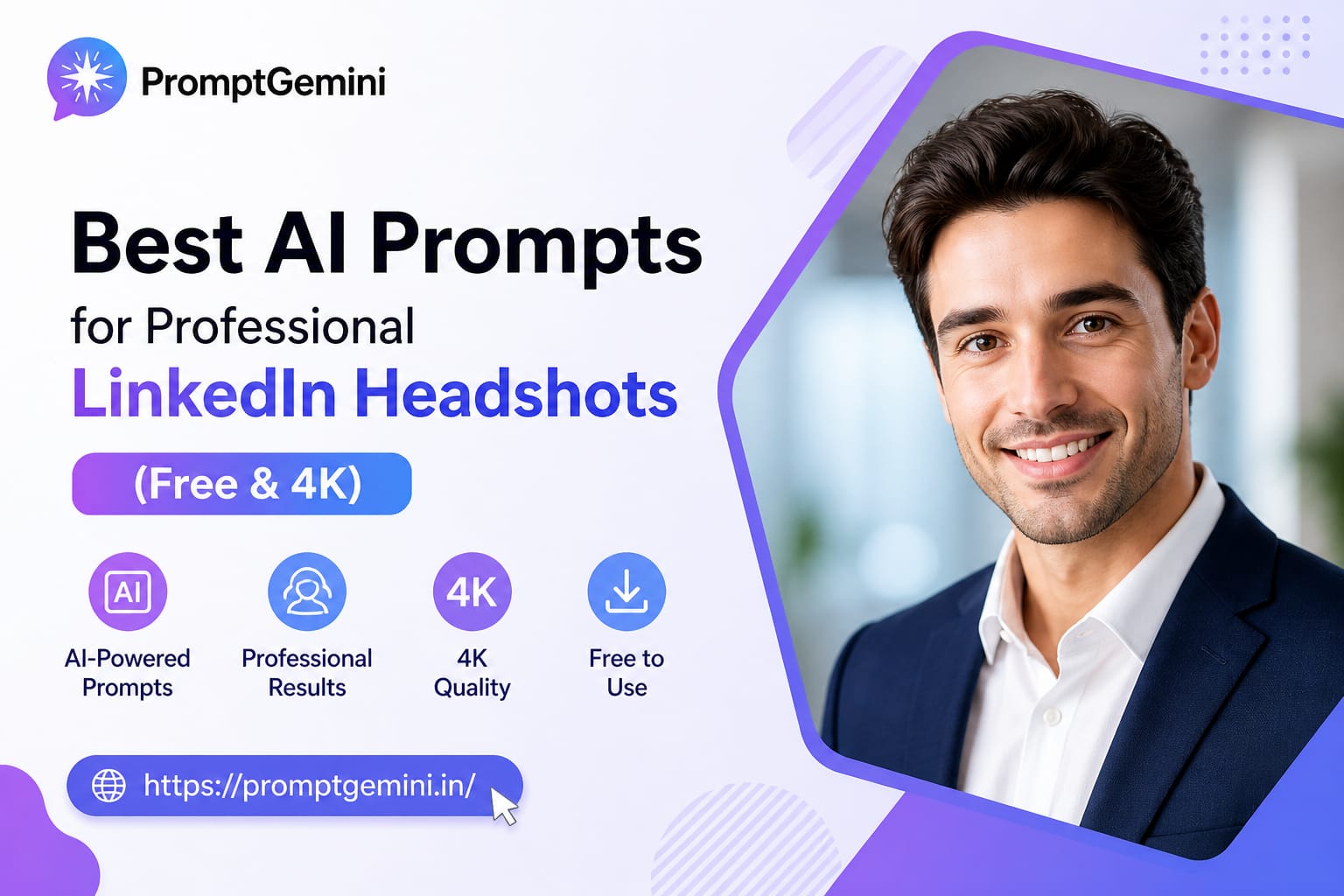
Welcome back to PromptGemini.in! Are you a college fresher looking for your first job, or an experienced professional trying to upgrade your career? If yes, then you already know that your LinkedIn profile picture (DP) is the first thing HR managers and recruiters look at. A bad, blurry, or unprofessional selfie can actually get your resume rejected. But don’t worry, today we are sharing the best AI Prompts for Professional LinkedIn Headshots so you can create a premium studio-quality photo for absolutely free!
Normally, booking a professional photo studio, wearing a formal suit, and hiring a photographer can cost thousands of rupees. But in 2026, Artificial Intelligence has solved this problem. Using Google Gemini and free Face-Swap tools, you can generate a 4K resolution corporate headshot while sitting at home in your pajamas.
In this detailed guide, we will provide you with 3 highly optimized AI Prompts for Professional LinkedIn Headshots. We will also teach you the secret trick of how to put your own real face onto the AI-generated professional body. Let’s get your profile ready for top MNC companies!
Why Are AI Prompts for Professional LinkedIn Headshots So Important?
First impressions are everything in the corporate world. When an HR person searches for your name, a high-quality DP shows that you are serious, confident, and professional. The AI Prompts for Professional LinkedIn Headshots we have designed use specific photography keywords like “50mm portrait lens,” “soft studio lighting,” and “bokeh background.” These keywords force the AI to ignore cartoon or casual styles and generate a photo that looks exactly like it was shot by a professional DSLR camera in an expensive studio.
We have divided these prompts into three different professional vibes. Choose the one that best fits your career industry!
Option 1: The Classic Corporate / MNC Executive
If you are applying for jobs in Banking, Finance, IT Management, or big Multinational Companies (MNCs), you need a very clean, formal, and strict professional look. This prompt generates a classic suit-and-tie studio portrait.
👔 The Classic Corporate Prompt
Attire: Wearing a well-fitted dark navy-blue business suit, a crisp white formal shirt, and a subtle blue tie.
Pose: Shoulders squared, facing the camera with a gentle, approachable, and confident professional smile.
Background: A modern corporate office with large glass windows, softly blurred out of focus (strong bokeh effect).
Lighting: Soft, even studio lighting highlighting the face perfectly, no harsh shadows.
Details: Shot on 50mm DSLR lens, 8K resolution, photorealistic, perfect for a professional resume.
Why This Prompt Works: This is one of the best AI Prompts for Professional LinkedIn Headshots because it specifies a “navy-blue business suit” and a “gentle, approachable smile.” HRs love candidates who look both professional and friendly. The blurred glass window background gives it a premium corporate feel.
Option 2: The Modern Tech Startup Vibe
Are you a Software Engineer, Data Scientist, or Digital Marketer? Tech startups and modern companies don’t like strict suits. They prefer “business casual.” This prompt generates a smart, relaxed, but highly professional image.
💻 The Modern Tech Startup Prompt
Attire: Wearing business casuals—a high-quality solid black turtleneck sweater [OR a neat light-blue casual button-down shirt] with a smart blazer.
Pose: Standing with arms slightly crossed, giving a smart, innovative, and warm smile towards the camera.
Background: A cool, modern tech workspace with subtle indoor plants and warm yellow hanging lights, beautifully blurred in the background.
Lighting: Cinematic softbox lighting, 4K resolution, ultra-clear facial details, highly professional modern aesthetic.
Why This Prompt Works: Tech companies value culture and innovation. By using “business casuals” and “indoor plants,” this AI Prompts for Professional LinkedIn Headshots shows that you are modern, adaptable, and a perfect fit for an IT or Startup environment.
Option 3: The Creative Freelancer / Designer
If you are a Graphic Designer, Video Editor, Writer, or Freelancer, you need to show your creativity. You don’t need a boring office background. This prompt uses warm, creative aesthetics to make your profile stand out.
🎨 The Creative Designer Prompt
Attire: Wearing a stylish, minimalist beige or olive-green modern outfit (like a premium polo or fashionable cardigan).
Pose: Relaxed, friendly, and highly confident posture, looking directly into the camera.
Background: A bright, aesthetic coffee shop or a modern creative studio with natural sunlight coming from a window.
Lighting: Natural golden hour sunlight mixed with soft studio reflectors, vibrant colors, 8K DSLR photography, sharp focus.
Why This Prompt Works: Creativity requires a friendly and aesthetic vibe. The “natural golden hour sunlight” and “aesthetic coffee shop” background make this image look highly premium and artistic, instantly attracting clients to your freelancer profile.
CRITICAL STEP: How to Put Your Real Face on the AI Body
If you use the AI Prompts for Professional LinkedIn Headshots directly in Google Gemini, the AI will generate a random, fake human face. Obviously, you cannot put a fake person’s face on your resume! You must swap the AI face with your real face. Here is the exact step-by-step tutorial on how to do it for free:
- Generate the Base Image: Copy your favorite prompt from above. Go to Google Gemini, paste the prompt, and download the professional body/suit image that looks best to you.
- Take a Clear Selfie: Take a good selfie of your real face using your mobile phone. Make sure you are looking straight at the camera with good lighting and a gentle smile.
- Use a Free Face Swap Tool: Go to Google and search for free AI Face Swap websites (like Remaker AI, Artguru, or Face Swapper).
- Upload and Swap: Upload the Gemini AI professional image as the “Target Image.” Then, upload your real selfie as the “Source Image.” Click Swap.
- Download Your DP: Within 10 seconds, the AI will flawlessly blend your real face onto the professional suit. Download it, and upload it to LinkedIn!
(Bonus Tip: Have you recently gone through a breakup and want an emotional DP instead of a professional one? Check out our viral Sad Boy Broken Heart AI Prompts!)
Conclusion
Investing time in your LinkedIn profile is the best thing you can do for your career in 2026. By using these highly optimized AI Prompts for Professional LinkedIn Headshots combined with a simple face-swap trick, you can save thousands of rupees and still get a world-class resume picture. An excellent profile picture brings more profile views, more connection requests, and ultimately, more job interview calls.
If this guide helped you upgrade your professional profile, please share it with your college friends and colleagues so they can update their resumes too! Keep following PromptGemini.in for more amazing and useful AI image generation prompts.